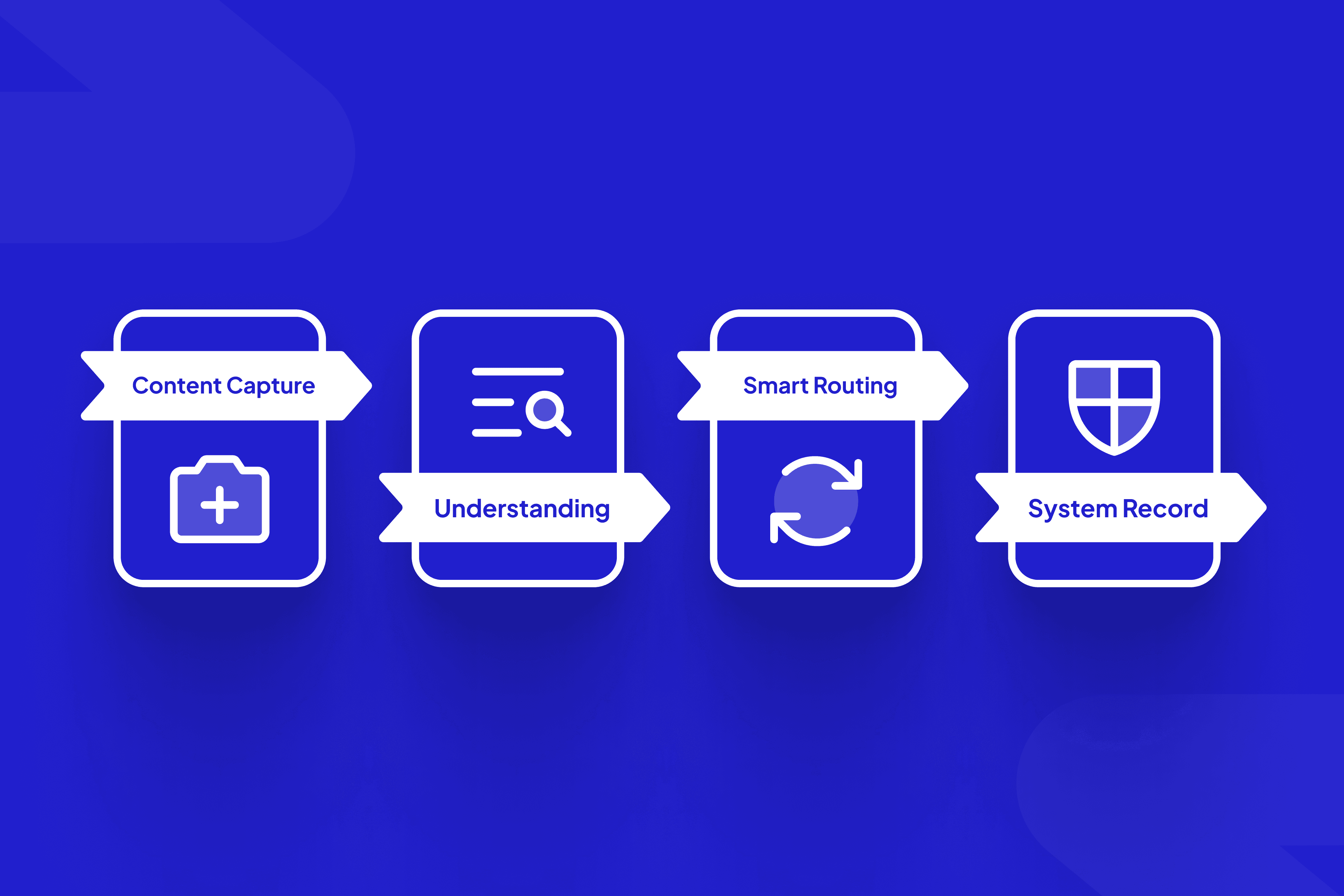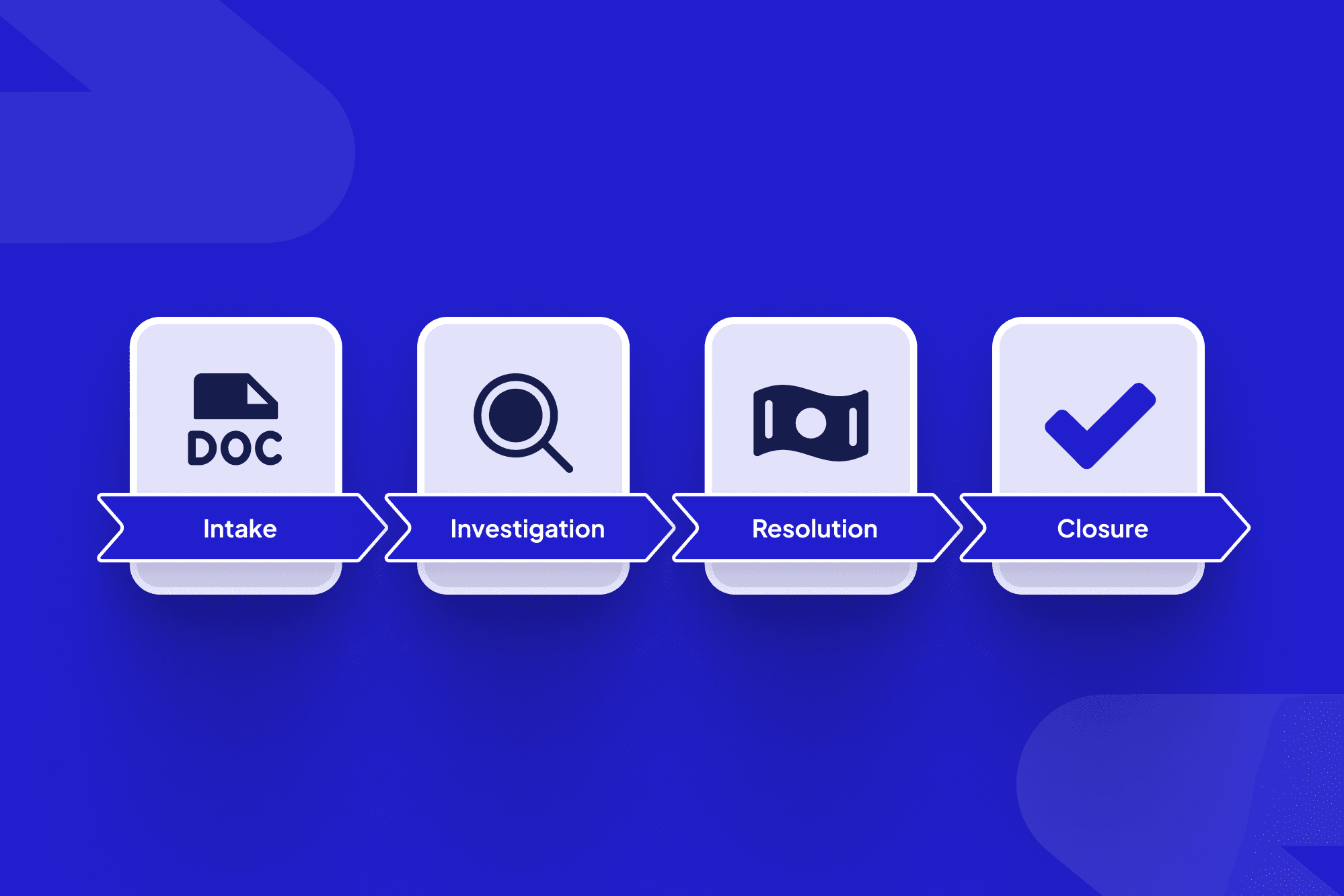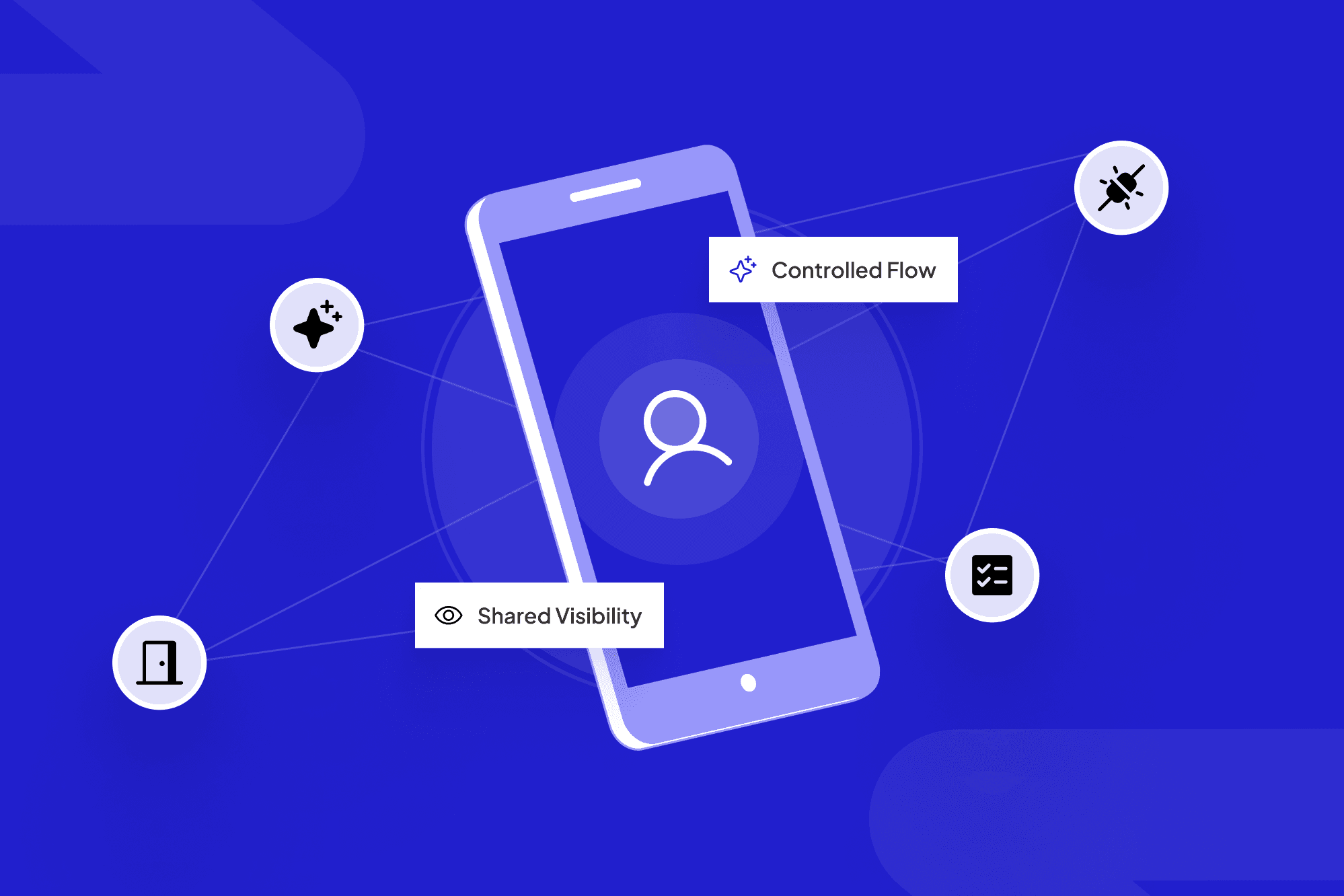
If you run operations in utilities, construction, insurance, logistics, or other “real economy” businesses, you know the pattern: every vendor has a portal, every client wants status updates, and field workflows live in email threads, spreadsheets, and texts.
Your team stitches it together by hand. A white label client portal can turn that mess into an ops control tower: one front door where vendors, clients, brokers, and field crews see what they need and push work forward. To do that, the portal has to orchestrate workflows, connect to your CRM and ERP, and give leadership a live picture of what’s happening—not just host documents.

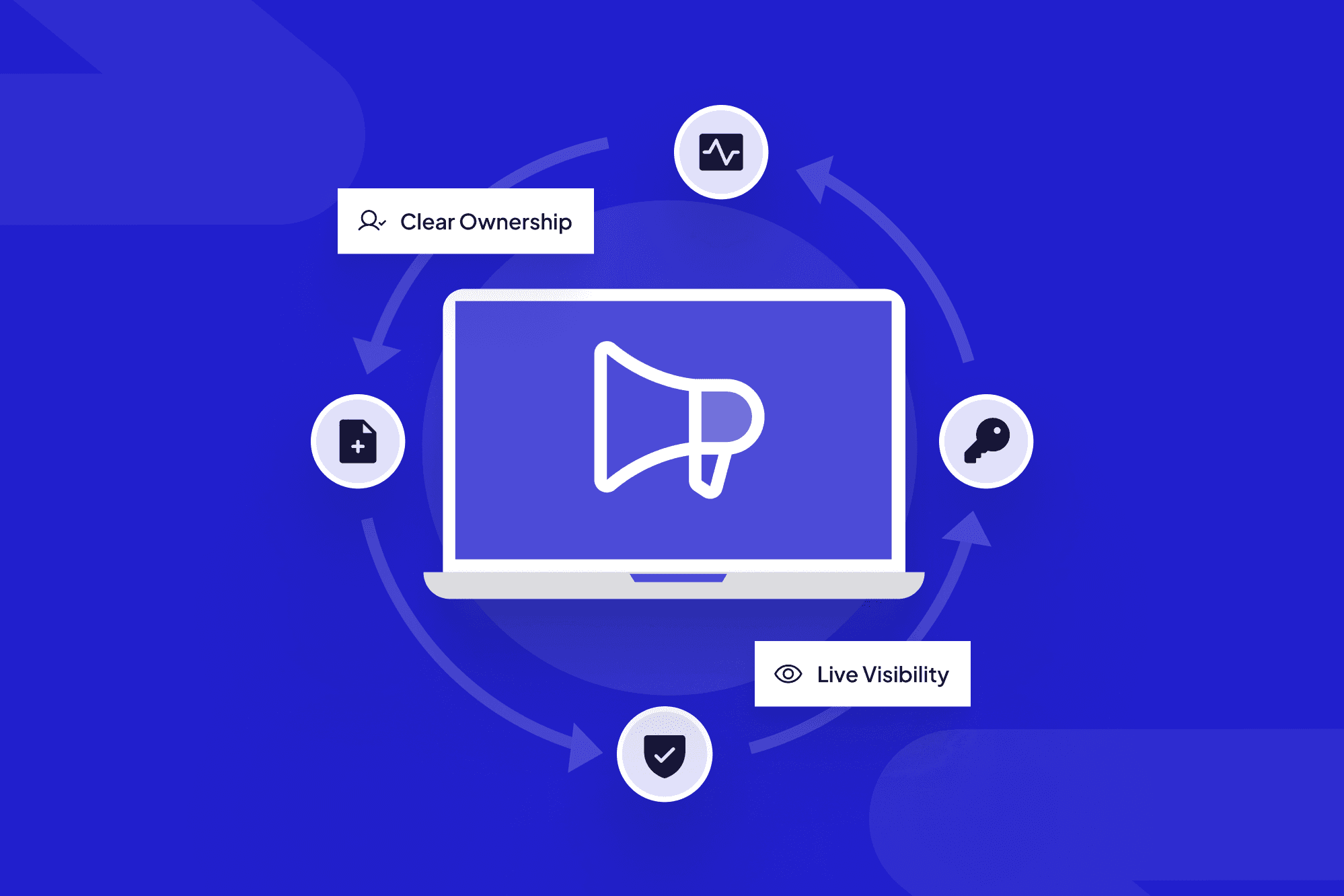
A white label client portal can act as your operations control tower: one live view across vendors, clients, and field work.
TL;DR
A client portal earns its keep when it acts like an operations control tower, not just a branded dashboard.
That means one front door for vendors, clients, and field teams, with clear roles, queues, and SLAs.
Under the hood, it connects to systems like CRM, ERP, finance, and document management to keep data synced.
AI agents can check forms, route tasks, and chase missing pieces so humans focus on exceptions, not status-chasing.
Most wins come from starting with one high-friction workflow and expanding from there.
Table of contents
What is a white label client portal, really?
The ops problem: too many portals, zero front door
From portal to ops control tower
Core capabilities your control-tower portal needs
Design patterns that keep the portal in daily use
Should you build or buy a white label client portal?
How does ScaleLabs approach white label client portals?
Where to start: one use case, one front door
What is a white label client portal, really?
Most teams first hear white label client portal from a software vendor pitch or an internal build proposal. Under the buzzwords, the concept is straightforward: a secure, branded web app where your customers, vendors, or partners can log in, see status, submit information, and collaborate with your team.
Key traits of a genuine white label portal:
Your brand first: Logo, colors, domain, and language match your company, not a third party.
Multi-audience: Different personas (client, vendor, broker, field tech, internal staff) each see a filtered version of the same underlying data.
Process-aware: The portal doesn’t just show data; it knows where each case, job, or order sits in the workflow.
Extendable: New data fields, steps, and integrations can be added without a from-scratch rebuild.
Think less “static reporting dashboard” and more “shared workspace where outside parties help progress your internal workflows.”
The ops problem: too many portals, zero front door

Without a single front door, ops teams juggle multiple portals, email threads, and manual workarounds.
Talk to any COO in logistics, manufacturing, or field services and you’ll hear the same story: over time, the tech stack turned into a patchwork of TMS, CRM, ERP, carrier portals, document repositories, and one-off tools. Your teams know how to piece it together; your external partners do not.
“We don’t lack systems. We lack one place where everyone can see what they need and push work forward.”
Analysts describe a “control tower” as a hub that combines people, process, data, organization, and technology to capture near real-time operational data across the ecosystem and improve decision making, not just inside one company (Gartner supply chain control tower definition). When that hub doesn’t exist, you see familiar symptoms:
Clients and vendors emailing for status you already have.
Field teams juggling PDFs, photos, and forms across multiple apps.
Handoffs between departments that rely on BCCs and spreadsheets.
Leaders asking for “one version of the truth” that nobody can pull in real time.
The result isn’t just annoyance; it’s slower cycles, higher operating costs, and more risk of missed obligations. One FourKites survey of 250 U.S. supply chain leaders found that only 2 in 10 organizations can understand 75%–100% of what’s happening in their supply chain in real time, even after major software investments (FourKites control tower survey).
From portal to ops control tower
The good news: you don’t always need a massive “control tower program” to get there. For many operations-heavy businesses, a well-designed client portal that sits between your ecosystem (clients, vendors, brokers, field crews) and your systems (CRM, ERP, finance, DMS) can act as a practical control tower.
In other words, the portal becomes:
The front door: Everyone enters through the same URL, with identity and role-based access determining what they can see and do.
The workflow guide: Each job, claim, install, or case moves along a visible path with next steps clearly laid out.
The reality check: Live data from your back-end systems feeds the portal so what partners see matches what your internal teams see.
The “single version of the truth”: Documents, photos, approvals, and timestamps live in one place instead of fifteen threads.
Partners can keep their own tools, but the portal becomes the shared window everyone works through.
Core capabilities your control-tower portal needs
Turning a portal into a control tower is less about fancy visuals and more about a grounded set of capabilities.

A strong white label client portal becomes the shared dashboard that unifies CRM, ERP, finance, and document workflows.
1. One front door for every external user
Single, memorable URL under your domain (for example,
portal.yourcompany.com).SSO/SAML with major identity providers so large clients and vendors can log in using existing credentials.
Role- and organization-aware permissions: a vendor sees their orders; a broker sees their book; a client sees their own portfolio.
Match your internal standards for SSO, encryption, and audit trails so external users touch a single, secure experience instead of a maze of email addresses and legacy portals.
2. Workflow orchestration and SLA tracking
A portal that only mirrors data will stall; one that understands workflows will move work.
Each process (onboarding a vendor, scheduling an install, handling a claim) is modeled as a series of steps with owners and due dates.
External users can complete their parts directly in the portal: upload documents, confirm dates, fill out structured forms.
SLA timers and alerts highlight items at risk before they blow up a relationship.
3. Deep integrations with your core systems
To stay credible, the portal needs to reflect the same source of truth your internal teams trust:
CRM: Accounts, contacts, and opportunities stay in sync so sales and ops speak the same language.
ERP/finance: Orders, invoices, and payments update without hand entry.
Document management: Contracts, drawings, compliance certificates, and photos link back to your repository.
Treat the portal as a collaboration layer on top of existing systems, with two-way sync, rather than a new system of record.
4. AI assistance for validation and routing
This is where modern AI finally earns its keep. In many ScaleLabs projects, AI agents sit in the background doing work that humans used to do by scanning inboxes:
Checking submitted forms or photos for missing or inconsistent information.
Suggesting the correct job, asset, or policy to attach a new request to.
Auto-routing tasks to the right internal queue based on content, urgency, and value.
Summarizing long threads into a single, human-readable timeline for account managers.
The goal isn’t to remove human judgment, but to push grunt work to machines so humans focus on exceptions and relationships.
Design patterns that keep the portal in daily use
Plenty of portals launch with fanfare and then quietly fade as users slip back to email. The difference between a ghost town and a daily habit usually comes down to a few design choices.
Make the portal the easiest path, not an extra chore
Make common tasks faster in the portal than via email or phone, with integrations that pull context in automatically.
Expose portal-only perks such as same-day scheduling slots or richer reporting.
External users increasingly expect this: one Statista/Spryker study found that 95% of B2B buyers say self-service portals improve efficiency, and two-thirds report saving 30–60 minutes per purchase when they can self-serve instead of emailing back and forth (B2B portal study).
Design around real roles and real days
A field supervisor on a tablet at 6 a.m. needs a different experience than a client CFO checking portfolio performance once a month.
Give each role persona-specific home screens (“Today’s jobs,” “My open issues,” “My book of business”).
Offer mobile-friendly flows that minimize free text and keep data structured for analytics.
Bring change management into scope early
Rollout plans matter as much as the software:
Start with a pilot group of “friendly but demanding” partners, refine quickly, and support them with in-portal prompts and tooltips.
Assign clear internal owners for portal adoption, not just IT.
Tie adoption to real incentives—faster turnaround, fewer manual forms, or preferred scheduling—so users choose the portal over email.
Should you build or buy a white label client portal?
Once teams buy into the control tower vision, the next question comes fast: build, buy, or partner? There’s no one-size answer, but there are clear patterns.
Option | Good fit when… | Watch for… |
Buy a generic portal | You need something light for a narrow use case and can live with standard flows. | Rigid workflows, limited integrations, branding caps, and vendor roadmap constraints. |
Build fully in-house | You have a strong product/engineering team with portal experience and time. | Competing priorities, long timelines, and maintenance load when key engineers move on. |
Co-build with a specialist partner | Your workflows are complex, multi-party, and compliance-sensitive. | Choosing a partner who truly respects your constraints and can ship production-grade systems. |
Analysts and enterprise vendors emphasize that control towers are not a single app, but integrated capabilities that sit across your stack and connect ERP, warehousing, and order management into one visibility layer. That’s why many operations leaders treat the portal as part product, part long-term capability, and bring in specialists who have seen similar patterns in other industries.
If you’d like to talk through which path fits your team, talk with ScaleLabs based on work across utilities, logistics, construction, and insurance.
How does ScaleLabs approach white label client portals?
At ScaleLabs, we see the portal as one piece of a larger decision-intelligence layer for operations-heavy companies, often delivered as AI-enabled vendor portal software or shared client portals that sit on top of your existing systems.
The “One Front Door” control-tower pattern
When we design portals, we follow a repeatable framework:
Start with one painful workflow: Pick vendor onboarding, claims intake, or install scheduling as the pilot and map the real steps end to end.
Define a shared front door: Give every external party a single portal entry point and role-aware views into the same underlying data.
Keep systems of record underneath: Connect tightly to CRM, ERP, and finance so the portal is a collaboration layer, not a new database.
Add AI guardrails: AI agents validate submissions, route work, and surface risk while humans handle exceptions.
In one recent project with a regional engineering firm, coordinators were juggling five systems, 60+ unread emails a day, and delayed invoices. By replacing that patchwork with a single AI-enabled project portal connected to scheduling, timesheets, lab systems, and billing, they cut manual admin time by about 50%, sped up billing and approval cycles by roughly 60%, and unlocked more than $100,000 a year in efficiency gains (engineering portal case study).
Because we work mostly with “real economy” sectors, we design around constraints like union rules, safety regulations, underwriting guidelines, and on-premise or VPC hosting, with SSO/SAML, encryption, logging, and granular permissions built in—all aimed at fewer broken handoffs, fewer status emails, and more workflows reaching “done” without heroics.
For more on AI agents inside vendor and client portals, see our perspective on AI workflows.
Where to start: one use case, one front door
Trying to “portal-ize” your entire operation on day one usually stalls. A better pattern is to pick a single, painful workflow and make that your pilot control tower.

Start with one high-friction workflow and use a shared front door to connect field teams, vendors, and internal ops.
Choose the workflow that burns the most time. Common picks: vendor onboarding, claims intake, large-install coordination, or compliance document chasing.
Map the real journey. Whiteboard who touches what, where things stall, and where data lives today (email, shared drives, line-of-business systems).
Define the front door. Decide who should log in, what they should see first, and what “success” for their session looks like.
Wire up the minimum integrations. Bring in just enough data from CRM/ERP/finance to make the portal feel live and authoritative.
Measure with before/after metrics. Email volume, average cycle time, first-time-right rates, and user satisfaction tell you whether the control-tower pattern is working.
Key takeaway
A strong client portal is a shared, branded control tower: one front door where every vendor, client, and field team follows clear workflows and sees the same live picture your internal teams use to run the business.
Ready to explore your own control-tower portal?
If you’re wrestling with vendor portals, client expectations, and field workflows that never quite line up, we’d be glad to look at your current state and sketch a practical path forward.
Book a call with ScaleLabs to walk through your workflows and see whether a shared front door makes sense for your operation.