Client Portal
Development That Brings
Clarity to Every Project
ScaleLabs builds custom client portals that replace email overload with one secure place for updates, files, approvals, and messages. Give clients the visibility they want, keep your team out of inbox chaos, and move projects forward without bottlenecks.
What “no portal” really costs you
Running client work through email threads and spreadsheets doesn’t just feel messy. It creates delays, trust issues, and hidden costs that get worse as your project volume
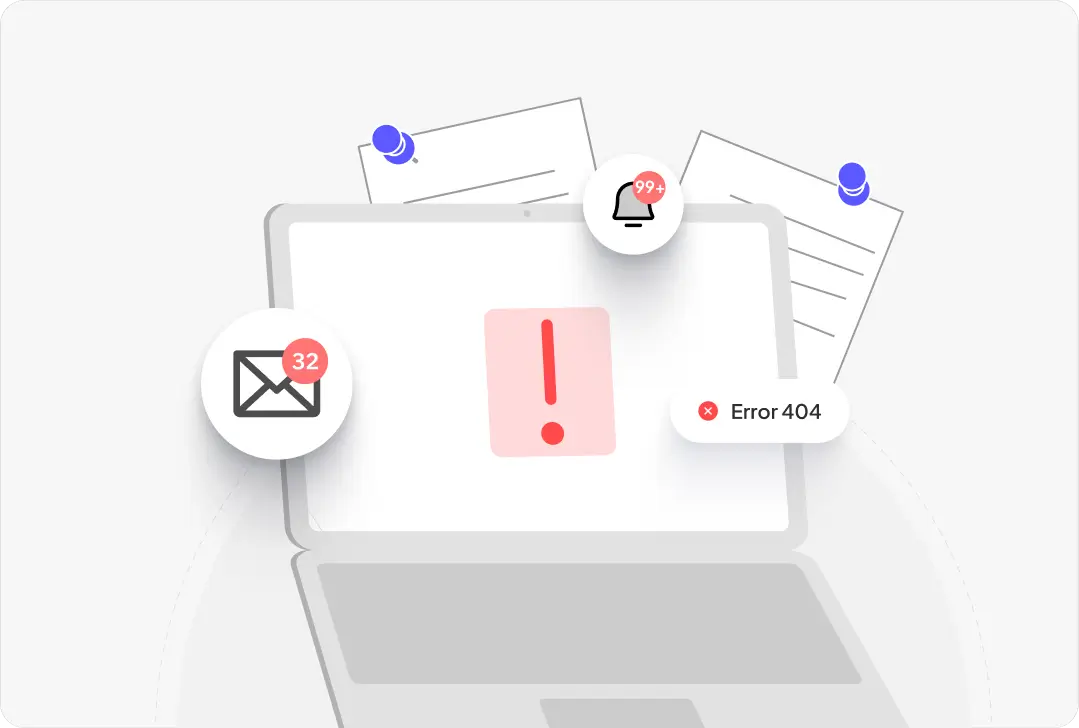
Deals slip when communication gets buried
Important details get lost across threads, and your team spends the day chasing, forwarding, and re-sending updates instead of moving projects forward.
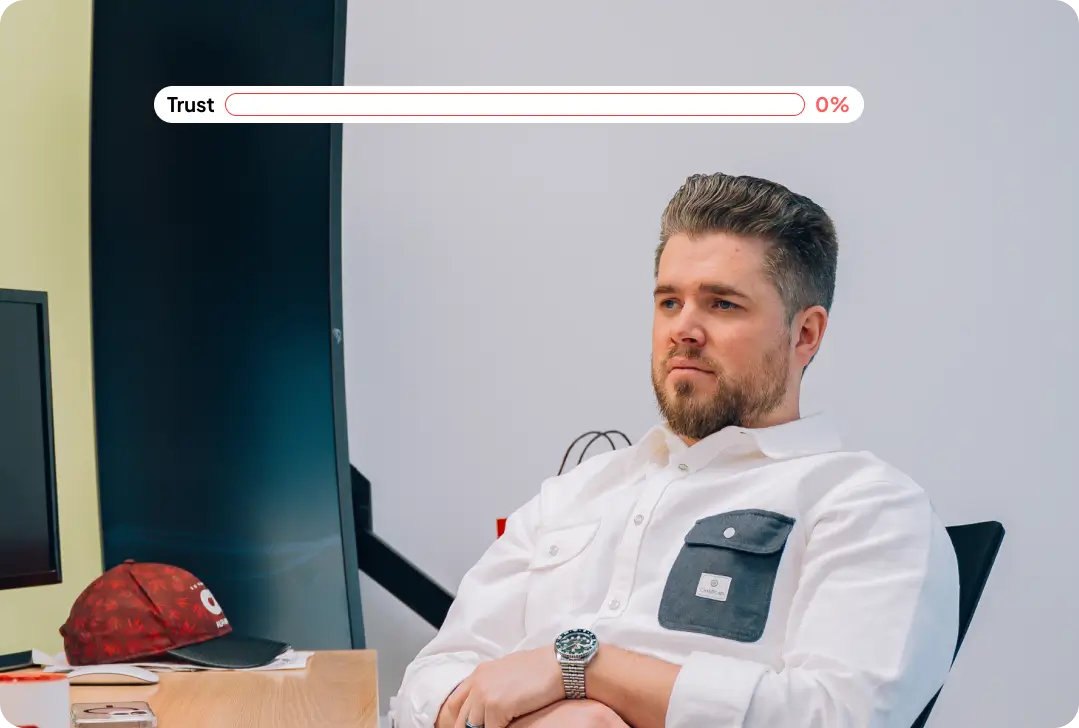
Trust drops when clients lose visibility
Once clients approve a step, they expect clear progress updates. When they can’t see where things stand, the “what’s going on?” calls start, and churn risk rises.

Scaling becomes a coordinator problem
Without a backbone process, coordinators top out quickly, managing multiple accounts and dozens of active projects. Growth gets blocked by manual status updates and admin work.
Why businesses build a client portal?
A client portal isn’t a “nice-to-have” when email threads are killing speed and trust. A custom client portal gives clients one place to see project status, share files, and approve steps—while your team stops drowning in inbox follow-ups.

Email chaos slows everything down
When emails arrive nonstop and details get buried across threads, teams waste hours forwarding, chasing, and re-sending the same info. A client portal centralizes updates, files, and decisions so work keeps moving.
Clients lose visibility and trust drops
Clients don’t need every internal detail, but they do need confidence the job is progressing. A portal shows high-level status like In Design, In Production, Scheduled, Delivered so clients don’t have to call asking, “what’s going on?”
Coordinators become the bottleneck
As project volume grows, coordinators get tapped managing multiple accounts and dozens of projects at once. A portal reduces manual touchpoints by automating updates, approvals, and notifications.
Manual admin work burns real money
When staff spend all day transferring data into spreadsheets and compiling updates, you lose capacity that should go to client success and revenue work. A client portal frees that time with structured workflows and a single source of truth.
Core client portal features we build
ScaleLabs builds client portals around the visibility clients want and the control your internal team needs. The goal is simple: fewer emails, faster approvals, and clear project progress without the nitty-gritty.

Real-Time Project Status (High-Level Stages)
Important details get lost across threads, and your team spends the day chasing, forwarding, and re-sending updates instead of moving projects forward.

File Sharing + Version Control
Clients upload and download documents, proofs, reports, and assets in one place with clean organization
Automated Notifications
Notify clients when a status changes, a file is ready, or an approval is needed, without coordinators chasing.
Centralized Messages and Updates
Once clients approve a step, they expect clear progress updates. When they can’t see where things stand, the “what’s going on?” calls start, and churn risk rises.
Approvals and Sign-Offs
Collect approvals for designs, change requests, and milestones with timestamps and a clear audit trail.
Secure Access + Permissions
Role-based access so stakeholders see what they need, while sensitive files and internal notes stay protected.
Proof from real client work
Running client work through email threads and spreadsheets doesn’t just feel messy. It creates delays, trust issues, and hidden costs that get worse as your project volume
PNJ Engineering
- Reduced scattered updates across long email threads
- Centralized project info so teams stop forwarding and chasing
- More time for client work instead of admin cleanup
Enterprise Client Feedback
- High-level project stages instead of “what’s happening?” calls
- Clear progress after design approval without extra follow-ups
- Fewer check-in emails and stronger client confidence
Vinyl Labs
- Less manual scheduling and repetitive updates
- Better handoffs when managing many projects at once
- A single backbone process to support growth
Give clients the updates they keep asking for
Clients don’t want every internal detail. They want confidence that their project is moving. We build client portals that show simple, high-level progress like In Design, In Production, Scheduled, Delivered, with the right files and next steps attached, so clients stop asking “where are we at?” and your team stops living in email.

Connect the client portal to your CRM, eRP, and project tools
We build your client portal so it fits your existing stack. Pull key data from your CRM or ERP, push status updates back, and keep documents and approvals tied to the right project without duplicate entry.









Where client portals
pay off fast
Client portals work best when projects have many moving parts, approvals, and documents. We build portals that match your delivery stages so clients stay informed without flooding your team with emails.
Engineering Firms
Partners often spend hours reviewing billing line items with no single place to verify what changed and why. A portal centralizes reports, updates, and decisions so disputes are easier to resolve and billing stays cleaner.

Manufacturing / Print Shops
When you’re handling frequent orders across locations, clients want quick answers on where jobs stand. A portal gives clear stages and updates so clients don’t need to chase your sales team for progress.

Retail Tenant Improvements
Clients care about timing: when materials arrive, when installation starts, when the job finishes. A portal gives high-level status and key dates so everyone stays aligned without constant check-ins.

Client data protected at every step
Client portals often include sensitive files, approvals, and project communication. We build the access rules and visibility controls your team needs, while keeping the experience simple for clients.
Role-Based Client Access
Control what clients, stakeholders, and internal teams can view or edit, so the right people see the right projects, files, and updates.
Audit Trail for Approvals and Changes
Track approvals, uploads, and status updates with timestamps, so there’s always a clear record when questions or disputes come up.
Secure File Sharing and Storage
Keep client documents, proofs, reports, and attachments protected with controlled access and consistent organization inside the portal.
Account Controls and Permissions
Manage users, restrict actions, and apply access rules by account or project, so the portal stays clean even as you scale clients and projects.
How we build your client portal
We keep the process clear and fast: define your client-facing stages, build the portal around your workflow, then launch and improve based on real usage.
Step 1
Workflow + Status Mapping
We define the exact stages clients should see (example: In Design, In Production, Scheduled, Delivered) and what triggers updates.
Step 2
Portal Screens + Roles
We build the client portal pages, file areas, approvals, and permissions for clients, internal teams, and stakeholders.
Step 3
Integrations + Automation
We connect CRM/ERP tools where needed and automate notifications, approvals, and handoffs to reduce manual follow-ups.
Step 4
Launch + Improve
We go live, gather feedback, and refine the experience so it stays clean as you scale clients and projects.
FAQ
Automated invoice collection, real-time supplier updates, and a fully integrated system built to scale with your team
What is a client portal?
A client portal is a secure online space where clients can view project updates, share files, send messages, and approve steps in one place. It reduces manual emails and gives clients clear visibility without needing constant check-ins.
What should a client portal include?
A strong client portal typically includes high-level project status (like In Design, In Production, Scheduled, Delivered), file sharing, approvals, and a communication thread. We build the features around your workflow so clients see what they need and your team stays in control.
How does a client portal reduce email overload?
Instead of scattered email threads, a client portal keeps updates, files, and decisions tied to the project record. Clients can self-serve status updates and leave comments or approvals in one place, which cuts follow-ups and repeated "where are we at?" emails.
Can you build a custom client portal for our process?
Yes. We build custom client portal development projects based on your stages, roles, and internal handoffs. That way your portal matches how you deliver work today while removing manual tasks that slow teams down.
Can clients track project status without seeing internal details?
Yes. Clients usually want visibility, not the full internal process. We show simple stages and next steps so they know progress is happening, while keeping internal notes, staffing, and operational details private.
Can the client portal support approvals and sign-offs?
Yes. We can add approvals for designs, milestones, change requests, and documents with timestamps and a clear audit trail. This makes sign-offs faster and reduces disputes later.
Can the client portal integrate with our CRM or ERP?
Yes. We can connect your client portal with tools like HubSpot or Salesforce, and also support ERP or custom systems, depending on your stack. Integrations help reduce duplicate entries and keep project data consistent.
Is a client portal secure for sharing files and documents?
Yes. We build portals with role-based access, controlled permissions, and secure handling for client documents. You can decide who sees what, and keep a record of uploads, approvals, and status changes.
Client Portal, Vendor Portal & Customer Portal Success Stories
We helped Hopkinson agents win more
“The Discovery Project gave me a roadmap of how I can move my business forward with technology. It covered not only solutions for the problems we were experiencing, but surprisingly it let me see dozens of different branches we can go with our company because technology enables it. Every time we look at the report, we keep getting new ideas of how we can be more efficient, provide new services, and strategically grow.”
We helped Aspire agents win more
“The work Scale Labs did saved us 80% of the time it takes to onboard new agents. They’re a true partner. If you want to understand the ins and outs of how the product you’re paying for works, and you want someone who truly cares about how it works for your team to get the ultimate outcome, I’d recommend Scale Labs all day.”

Tech-powered Real Estate company who exists to make luxury vacation home ownership accessible
“Working with scale labs is not the same as working with an Agency. You get technical oversight from someone who you can trust to make the right decision. And you can scale your team through with their pre-vetted & trained developers from Impostorschool.dev”