If you run complex B2B workflows, you’ve probably googled how to upsell a customer and then rolled your eyes at advice meant for e-commerce carts and coffee shops. Your world looks very different: multi‑month onboarding, strict compliance, claims teams buried in email, field crews juggling jobs in three systems at once.
In that world, upselling isn’t a script at the end of a call. It’s a system. The best operations leaders turn everyday workflows—onboarding, claims processing, site visits, inspections—into quiet but reliable expansion engines. No drama, no cheesy pitches, just well‑timed offers that help customers solve bigger chunks of their problem.
TL;DR
Upselling in B2B isn’t about pressure; it’s about helping customers reach the next outcome when they’re ready.
Your best upsell moments live inside workflows: onboarding, claims, and field operations.
Map those workflows, add clear “expansion triggers,” and support teams with simple playbooks.
AI‑driven workflow tools like ScaleLabs’ orchestration layer can surface those triggers and route the right next step automatically.

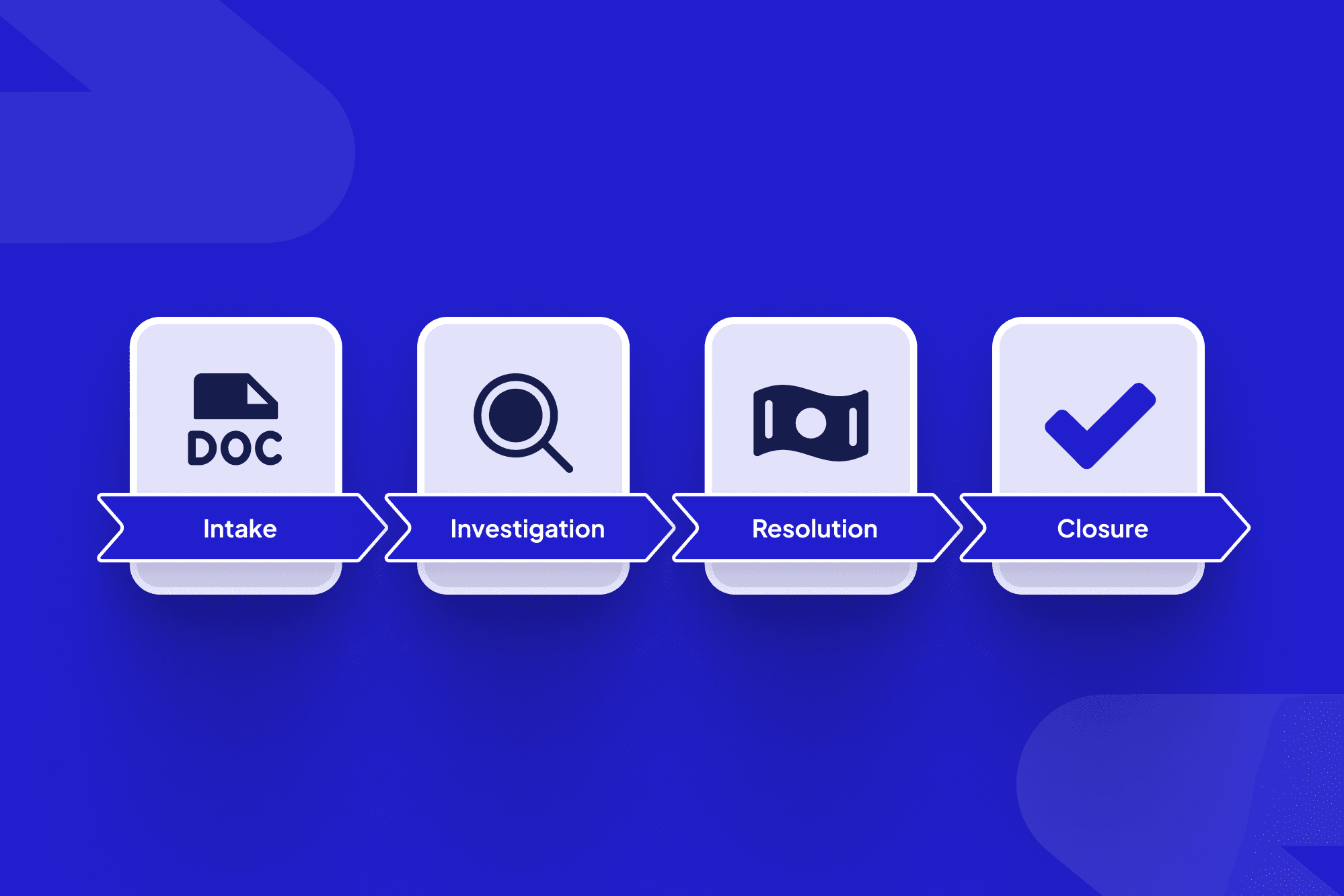
Complex B2B upsell opportunities often live inside everyday workflows and shared dashboards.
Table of contents
What upselling looks like in complex B2B workflows
Principles: how do you upsell without breaking trust?
Step 1: Map workflows to find upsell triggers
Step 2: Design upsell plays for onboarding, claims, and field ops
Step 3: Turn upsells into a systematic engine with AI workflows
What to measure so you know upselling is working
Common mistakes in B2B upselling (and better plays)
Where ScaleLabs fits in your expansion flywheel
What upselling looks like in complex B2B workflows
In SaaS land, upselling usually means “more seats, higher tier, extra modules.” In operations‑heavy businesses—utilities, construction, insurance, logistics—it often shows up as extra services, higher‑touch support, new workflows, or a broader slice of the process.
Think about a claims platform that starts with one line of business, then expands to multiple product lines. Or a field‑service portal that begins with basic work‑order scheduling and grows into inventory, routing, and subcontractor management.
Industry data backs up why this matters: expansion revenue from existing customers is consistently cheaper to win than net‑new revenue, sometimes by a factor of three to four, thanks to lower sales and marketing costs. In other words, if you’re not building upsell plays into your workflows, you’re leaving the easiest revenue on the table.
At ScaleLabs, many projects start as “just fix onboarding” or “just fix this ugly vendor workflow” and later expand into multi‑department portals once the first workflow proves its value.
Principles: how do you upsell without breaking trust?
Before we get tactical on how to do upselling, a few guardrails. If your teams get these right, almost any playbook will feel natural rather than pushy.
Lead with outcomes, not features. Instead of “upgrade to Premium Routing,” say “we can cut failed visits by another 20% by rolling this out to your subcontractor network.”
Upsell at meaningful milestones. Usage thresholds, go‑live, first major claim, first missed SLA—these are moments when customers feel the pain or see the value most strongly. Many customer‑success tools recommend tying upsell offers to these signals, not to your quota calendar.
Make it easy for champions to resell internally. Share one‑page ROI summaries, simple pricing, and a before/after workflow diagram they can reuse in their own decks.
Connect sales, CS, and operations. In complex accounts, who owns expansion? Gainsight’s guidance is clear: if it’s “more of the same,” CS can often lead; if it’s a new line of business, bring sales back in.
Respect constraints. Budget cycles, regulatory sign‑offs, and change‑management capacity are very real. A good upsell helps your champion look smart inside those constraints, not reckless.
“In complex B2B, the best upsell is simply the next obvious step in a journey you already mapped together.”
Step 1: Map workflows to find upsell triggers
You can’t systematize upselling if you don’t understand how work actually flows today. The good news: the same workflow mapping you might already be doing for automation is perfect for finding upsell moments.
1. Start with one lighthouse workflow
Pick a single workflow where you already have traction: agent onboarding, contractor onboarding, claims intake, inspections scheduling, etc. If you’re still managing it in email and spreadsheets, take a look at ScaleLabs’ guide to AI‑driven workflow automation for inspiration on how to structure it.
2. Create a “Workflow Upsell Grid”
Draw a simple table with three columns:

Mapping workflow stages and pains makes it easier to spot structured upsell triggers.
Workflow Stage | Customer Pain / Signal | Potential Upsell |
Onboarding: document collection | Lots of back‑and‑forth, missing forms | Premium “white‑glove” onboarding or automated document checks |
Claims: high volume period | Teams working nights and weekends | Additional automation modules or managed‑service tier |
Field visits | Technicians re‑visiting sites, missed SLAs | Routing optimization, better checklists, or a higher‑tier support plan |
3. Turn signals into triggers
Once you know the signals—volume spikes, error rates, usage patterns—you can configure your systems to raise a flag when those conditions show up. Customer‑expansion platforms like Gainsight talk a lot about “trigger‑based upsell offers” that route a task or playbook to the right person automatically.
Step 2: Design upsell plays for onboarding, claims, and field ops

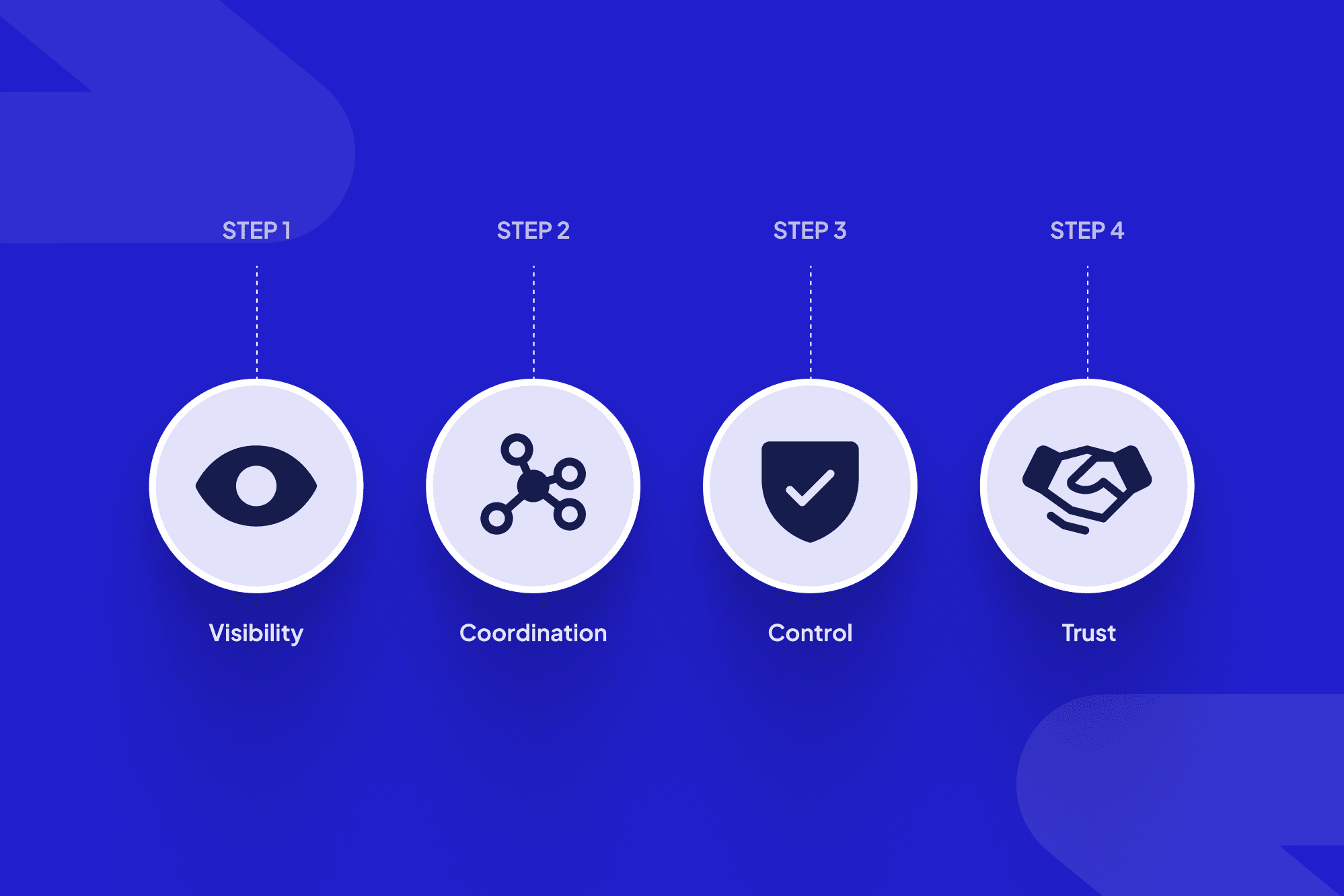
Effective B2B upsells feel like joint planning sessions, not surprise pitches.
Now let’s talk concrete plays. Here’s how to upsell in the three workflows where ScaleLabs clients most often see expansion potential: onboarding, claims, and field operations.
Upselling during onboarding
Tiered onboarding packages. Offer “standard” vs. “managed” onboarding. Standard uses self‑service portals; managed adds white‑glove data migration, change‑management support, or on‑site training.
Adoption‑based upsell. Once the first region or line of business hits a usage milestone (for example, 80% of tasks flowing through the new portal), share a plan to extend to additional regions or teams.
Compliance and reporting add‑ons. Many operations teams under‑estimate reporting needs until leadership asks the first hard question. Frame analytics modules as “next‑step insurance” for that moment.
Upselling in claims workflows
Automation layers. Start by digitizing intake; once that’s stable, introduce triage rules, fraud checks, document classification, and straight‑through processing where allowed.
New lines of business. After you’ve proven outcomes in one product line, show how the same workflow patterns apply to other claim types with minor tweaks.
Capacity services. During peak seasons, offer overflow handling or “surge support,” often as a time‑boxed upsell that can convert to a recurring retainer later.
Upselling in field operations
From scheduling to full dispatch. Many teams start with basic job scheduling. Next steps: route optimization, skills‑based assignments, and real‑time re‑dispatch.
Vendor and subcontractor portals. Once internal crews are live, introduce portals for subcontractors with their own SLAs, documents, and performance dashboards.
Premium SLAs and analytics. For strategic accounts, upsell higher‑tier SLAs backed by dashboards that show fewer failed visits and faster resolution times.
Step 3: Turn upsells into a systematic engine with AI workflows

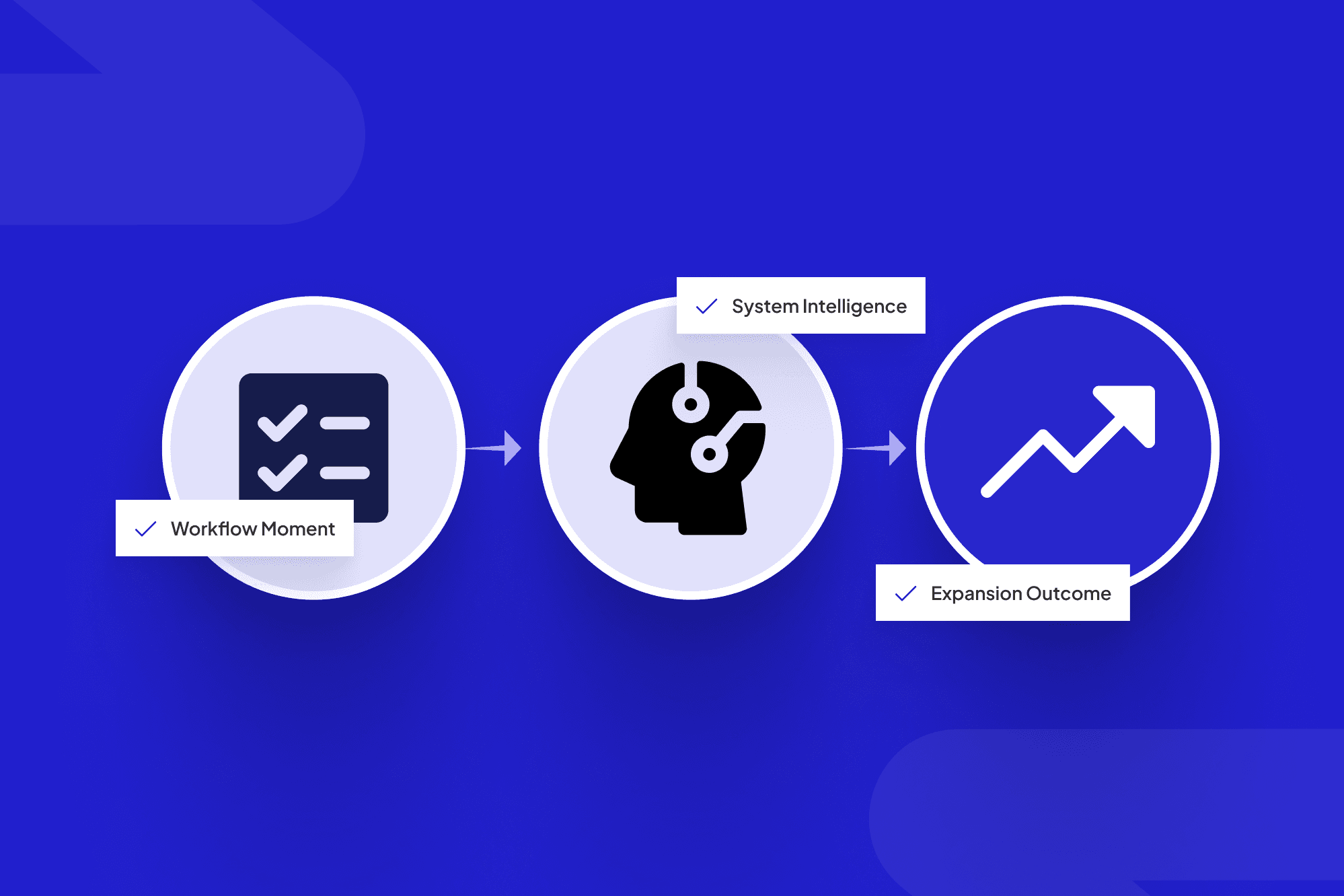
AI-driven workflow dashboards can surface upsell triggers and route the right play automatically.
Knowing how to do upselling is one thing; getting your teams to follow through consistently is another. This is where workflow automation and decision‑intelligence tools shine.
1. Trigger‑based upsell moments
Configure your systems so that when a trigger fires—usage hits a threshold, a claim type repeats, a site fails inspection twice—a task is created for the Account Manager or CSM with a recommended upsell play. Customer‑expansion platforms show that this “signal → playbook” pattern is one of the fastest paths to repeatable expansion.
2. In‑workflow guidance for your teams
Instead of sending your team to a separate sales‑enablement portal, surface suggestions right inside the tools they already use. For example, ScaleLabs’ approach uses AI agents and smart triggers to check forms, route work, and nudge humans when a higher‑value option fits the context. (scalelabs.dev)
3. One shared portal for clients, vendors, and internal teams
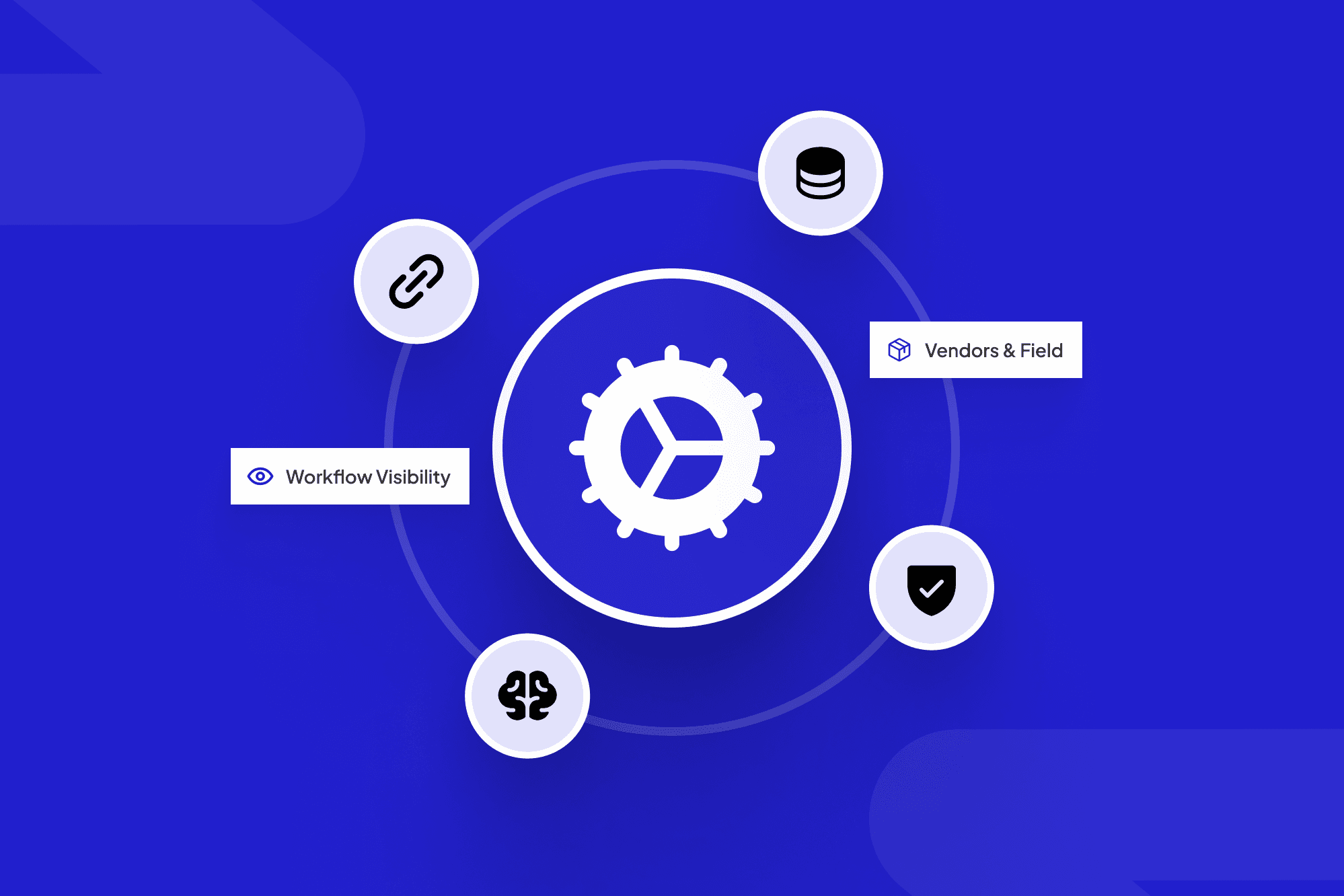
When everyone works in a single portal—clients, vendors, operations, CS—upsell offers can be presented as “enable this extra workflow” rather than a random email. That’s the difference between “upgrade now” and “we noticed your field teams are constantly re‑keying this data; would you like us to turn on the inspections module we showed you in onboarding?”
What to measure so you know upselling is working
Expansion can be slippery to measure if you only look at top‑line revenue. A better approach is to track both commercial and workflow metrics.
Commercial metrics
Net Revenue Retention (NRR) / Net Dollar Retention (NDR). Are existing customers growing their spend year over year?
Time to first expansion. How long after go‑live does the average customer buy their first add‑on?
Expansion mix. What portion of expansion comes from “more of the same” vs. new workflows, new regions, or new product lines?
Workflow metrics
Number of qualified upsell triggers per month. Are your systems actually surfacing opportunities?
Playbook follow‑through rate. When a trigger fires, how often does a human take the suggested next step?
Operational impact. For each upsell, track changes in cycle time, error rates, and email volume. Many ScaleLabs clients see numbers like 2x faster onboarding, 80% fewer email chains, and 95% workflow completion when workflows mature—strong proof for future upsell conversations.
Common mistakes in B2B upselling (and better plays)
Teams often know they should upsell but still feel stuck. Here are patterns we see often, plus better options.
Random “check‑ins” with no point of view.
Better: show up with a short narrative—“Here’s where you started, here’s what’s changed, here’s the next step we recommend.”Treating every customer the same.
Better: segment by health, usage, and potential. Customer‑expansion research shows that high‑health accounts give the best upsell outcomes; low‑health accounts need rescue, not add‑ons. (gainsight.com)Waiting for annual renewals.
Better: use in‑year milestones—first successful season, first major claim surge, first site rollout—as natural check‑points for expansion.Upselling features, not workflows.
Better: talk in terms of “Let’s extend this playbook to your claims team” or “Let’s bring your contractors into the same portal.”
If you want a more in‑depth perspective on land‑and‑expand plays, the team at Land & Expand Academy shares useful trigger‑based tactics that line up nicely with the workflow‑first approach you’re building.
Where ScaleLabs fits in your expansion flywheel
ScaleLabs exists for operators who can picture better workflows in their head but don’t have the in‑house capacity to turn them into production‑grade software. The team builds custom workflow applications, portals, and AI agents that connect people, systems, and data—especially in “real economy” sectors like utilities, construction, logistics, manufacturing, and insurance.
A typical engagement looks like this:
Discovery. Map your current onboarding, claims, or field workflows, including where revenue and cost sit today.
Design. Co‑design a portal or internal tool that fixes the workflow and bakes in upsell triggers and playbooks.
Build & launch. Ship the first workflow fast, with enterprise security baked in from day one.
Expand. Once the first workflow shows results, extend it across regions, product lines, and partner networks.
If you’d like help turning your onboarding, claims, or field operations into a systematic expansion engine, you can:
Read more about AI‑driven workflow automation for business teams.
Browse selected ScaleLabs projects and case studies to see how similar companies ship real systems.
Book a call with the ScaleLabs team to talk through your specific workflows and where expansion might live inside them.
This article was drafted with help from AI and reviewed by the ScaleLabs team for accuracy and context.