
A modern customer engagement model for B2B operations gives every team the same live view of work in progress.
TL;DR
Email and spreadsheets work for a handful of clients, then quietly turn into your biggest operational risk.
A modern customer engagement model for high-stakes B2B work centers on a single source of truth shared across clients, vendors, and your internal teams.
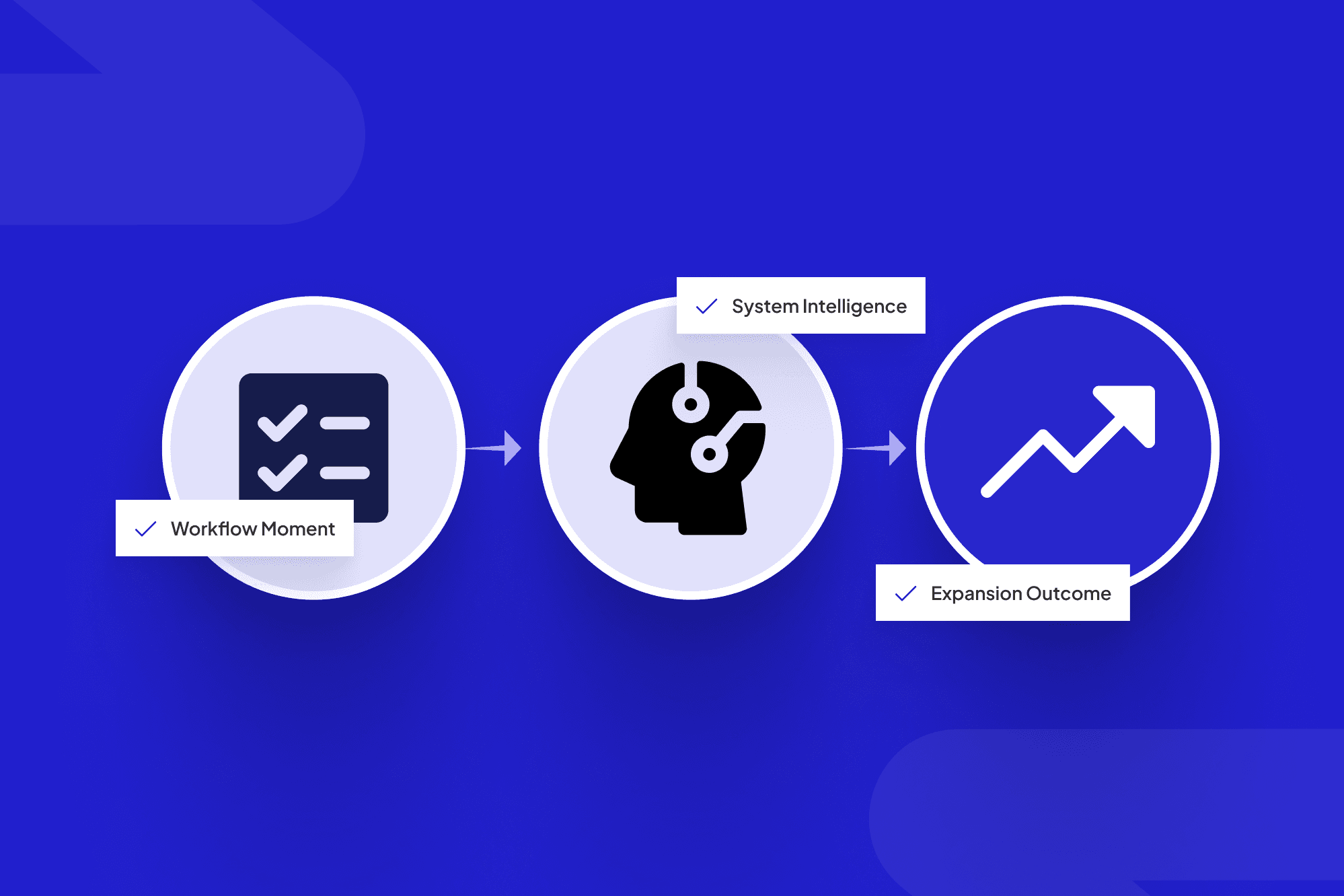
The winning pattern: omnichannel inputs → workflow orchestration → unified data → AI that checks, routes, and nudges work forward.
Start small: pick one high-stakes journey (onboarding, claims, installations), map it, build a shared portal, integrate key systems, then expand.
Table of contents
What is a customer engagement model in high-stakes B2B operations?
Why email and spreadsheets break under pressure
Core principles of an engagement model for clients and vendors
The 4-layer engagement architecture
Designing your client engagement model step by step
Mini case study: from email chaos to shared portal
Metrics that show your model is working
Key takeaways
FAQ
If you run operations in utilities, logistics, construction, or insurance, you already have a customer engagement model—it just lives in people’s heads, long email chains, and a patchwork of spreadsheets. Things work fine until they don’t: a missed permit, a truck that never got dispatched, a claim that sat in a shared inbox while the client escalated to your CEO.
This article lays out a practical, operations-first way to design engagement so clients, vendors, and internal teams all work from the same playbook. We’ll keep the theory light and focus on what actually helps you ship power, steel, freight, or policies on time, drawing on digital engagement research such as McKinsey B2B experience.
By the end, you’ll have a blueprint you can use to brief your team, your CIO, or a partner like ScaleLabs on exactly what you want built—without needing to sound like a software architect.
What is a customer engagement model in high-stakes B2B operations?
Quick definition: A customer engagement model is the way your organization structures day-to-day interactions with customers across channels and journeys so you can serve, retain, and grow them consistently.
For a broader, marketing-focused introduction, you can also look at general resources such as this overview of customer engagement models, then layer on the operational needs we cover here.
In plain language, your engagement model is how customers and partners work with you day to day: how they request things, get updates, submit documents, approve steps, and escalate when something goes sideways.
In high-stakes B2B settings, that model has to do more than track “touchpoints.” It has to:
Keep multi-step workflows on track across teams, vendors, and systems.
Give every party a clear view of status, ownership, and next steps.
Provide traceability when regulators, auditors, or executives ask, “What happened here?”
Client engagement model vs. consumer engagement model
Most articles online talk about a consumer engagement model that optimizes marketing touches, app usage, and loyalty for individual shoppers. That’s useful, but it misses what matters for a B2B client engagement model:
Many stakeholders per account (procurement, legal, operations, finance).
Vendors and subcontractors that must follow the same workflow.
Service-level agreements (SLAs) with real financial or safety consequences.
In this world, engagement is less about clicks and more about coordinating work. That’s where the idea of a “single source of truth” comes in.
Why email and spreadsheets break under pressure
Email and spreadsheets feel cheap and flexible, but they hide risk. When we map operations for ScaleLabs clients, we almost always see the same pattern:
Requests arrive via email and are manually pasted into tracking sheets.
Attachments and updates are scattered across inboxes and side conversations.
Vendors and partners see only fragments of the story in forwarded threads.
Leaders rely on ad hoc spreadsheet exports to understand what’s going on.
Teams can hold this together at low volume. As soon as demand spikes—a storm season, product launch, or claims surge—those gaps turn into missed handoffs, slow responses, and preventable escalations.
Core principles of an engagement model for clients and vendors
Analyst firms talk about customer engagement hubs and customer engagement centers: unified platforms that tie channels, workflows, and data together, as described in the Gartner engagement hub definition. In operations-heavy B2B work, we see five principles matter most:
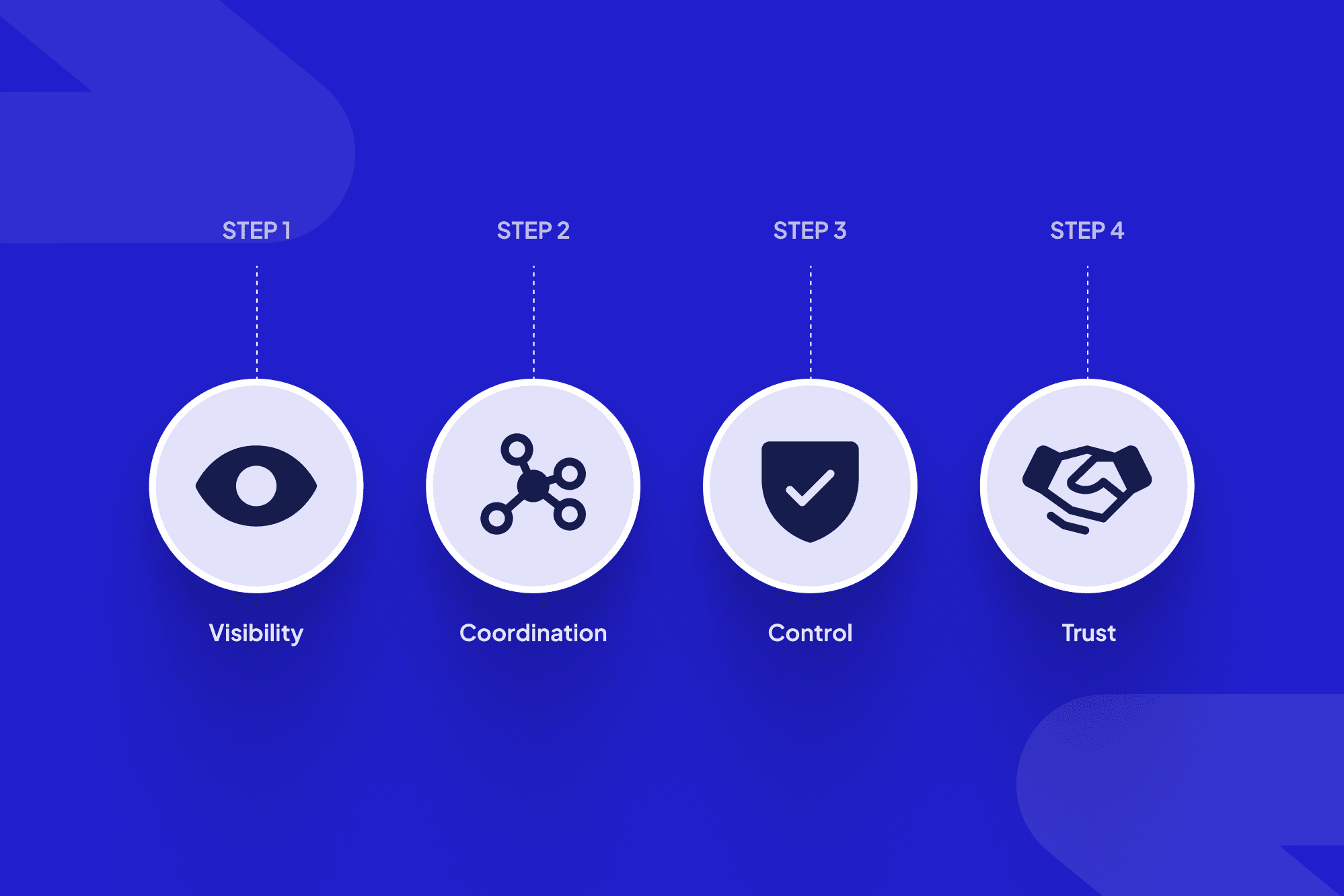
Single source of truth for each case or job.
One record per job with every message, file, and decision attached.Shared workspace across clients, vendors, and internal teams.
Clients, vendors, and internal teams see the same status, filtered by permissions.Workflow first, channel second.
Email, SMS, portals, and APIs all feed a workflow engine; the process lives in the system, not in inboxes.AI for checks, routing, and nudges — not black-box decisions.
AI reads forms, flags issues, routes tasks, and suggests next steps; humans approve high-impact moves.Auditability and compliance built in.
Every change, approval, and exception is logged automatically.
“If you need three people and two spreadsheets to answer ‘What’s going on with this client?’ you don’t have an engagement model; you have institutional memory on life support.”
These principles are what turn a loose collection of tools into something that actually feels like a model your teams can run by.
The 4-layer engagement architecture
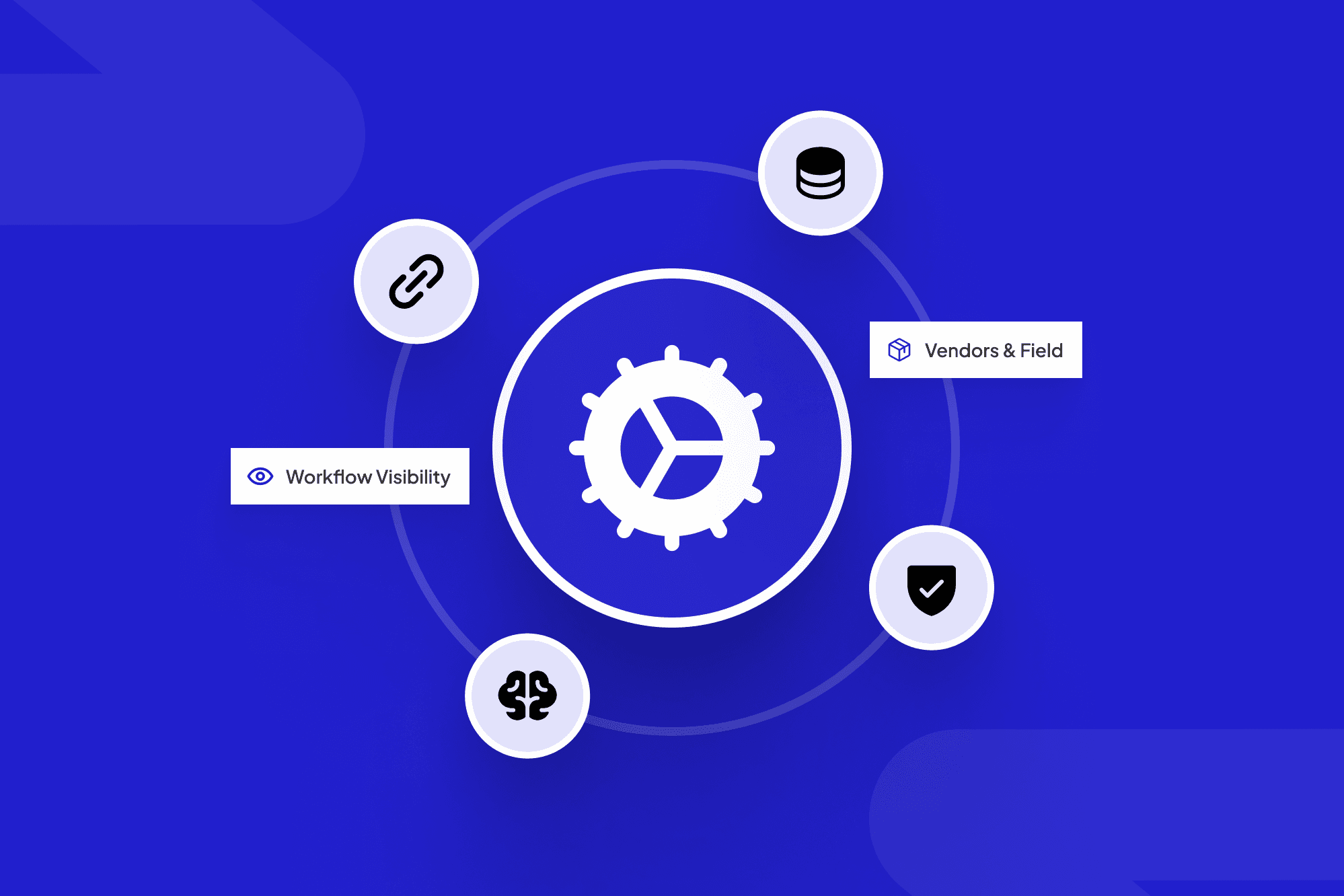
To make this concrete, we use a simple four-layer customer engagement architecture: interaction, workflow, data, and intelligence. It borrows ideas from customer data platforms and engagement hubs—for example, the customer data platform overview shows how customer data can be unified across systems—but keeps the focus on operations and helps non-technical stakeholders see how channels, processes, and AI fit together.

Visualizing a simple 4-layer engagement architecture helps non-technical stakeholders align on how channels, workflows, data, and intelligence fit together.
1. Interaction layer (channels)
Where clients, vendors, and staff actually talk to you:
Client and vendor portals, such as a vendor scheduling portal that coordinates installers and fleet managers.
Email (still there, just tamed).
SMS/WhatsApp for time-sensitive nudges.
APIs for larger partners that integrate directly.
2. Workflow layer (orchestration)
This is where you define and visualize the steps for each journey: onboarding a broker, scheduling an installation, resolving a complex claim. Tasks, SLAs, approvals, and dependencies live here, not in heads or spreadsheets.
3. Data layer (single source of truth)
Think of this as your operational CDP: one place where account, site, asset, and contact data come together, linked to every workflow and document. Systems like your CRM, ERP, and billing tools sync into this layer rather than each running their own version of “who this customer is.”
4. Intelligence layer (AI + rules)
On top of clean data and clear workflows, you can safely introduce:
AI form checking (“These fields look inconsistent with past jobs”).
Routing (“Send this to the high-risk review queue”).
Proactive nudges (reminding clients or vendors about stalled steps).
This is exactly the stack ScaleLabs builds into custom portals and workflow tools for operations-heavy clients, so they don’t have to bolt together half a dozen generic products. If you’re weighing whether to keep stacking SaaS or go custom, our breakdown of custom portals vs ready-made tools walks through the trade-offs.
Designing your client engagement model step by step
You don’t need to overhaul your entire business on day one. Here’s a practical path we use when scoping projects with leaders who are tired of running their operations from Outlook.

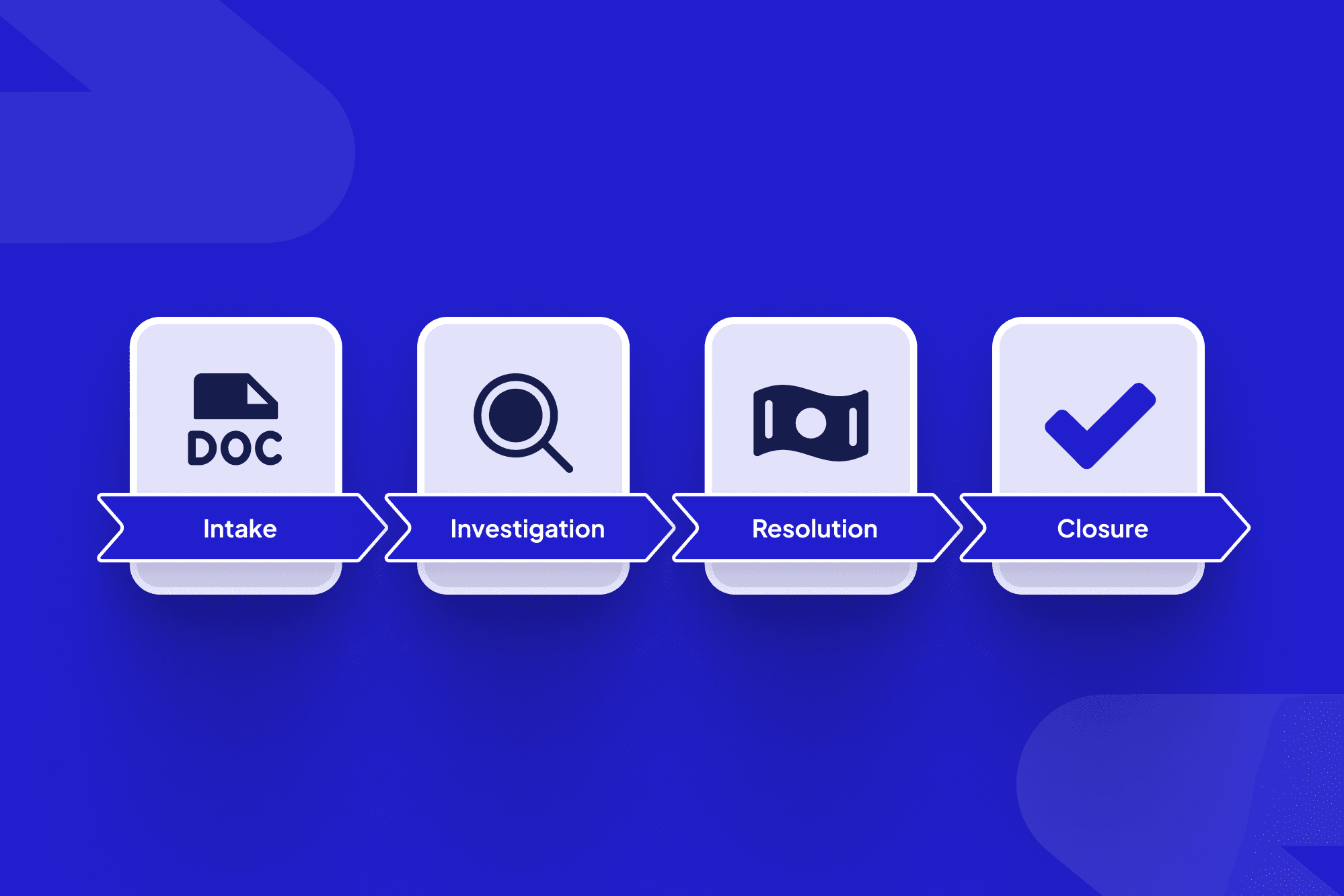
Start by bringing a cross-functional team together to map how a single high-stakes journey really works today.
Step 1: Pick one high-stakes journey
Choose something where delays or errors really hurt: agent onboarding or broader B2B partner onboarding, grid connection requests, complex installations, high-value claims. That’s your pilot lane.
Step 2: Map the real workflow (not the slide-deck version)
In a short working session, have frontline staff, one client success lead, and one vendor rep walk through:
All steps from request to “done.”
Who does what, with which tool.
Where work currently sits in email, spreadsheets, or shared drives.
Step 3: Design the shared case workspace
For that journey, sketch what a single case record should show:
Key identifiers (site, account, asset, policy).
Timeline of actions and messages.
Open tasks, with owners and due dates.
Files and approvals linked to each step.
This is the heart of the new engagement model; everything else supports it.
Step 4: Integrate just enough systems
Connect the minimum set of systems that keep you from copying data by hand: usually CRM, core system-of-record, and document storage at first. Extra integrations can come later.
Step 5: Add AI for the boring but risky work
Start with things machines are good at:
Checking forms for missing or inconsistent data.
Auto-summarizing long email threads into case notes.
Reminding clients and vendors when they’re blocking the next step.
Once your pilot journey is stable, expand the same pattern to the next workflow. Leaders who follow this path often report big drops in email volume and faster cycle times without adding headcount, similar to the improvements highlighted in the ScaleLabs case studies. If you want a structured session to do exactly this, you can book a call with ScaleLabs and walk through it with our team.
Mini case study: from email chaos to shared portal
Here’s what this looks like in practice, based on a project with a broker-style organization handling agent onboarding.
Before
Onboarding run through email plus a 20-column spreadsheet.
Vendors and carriers needed different document sets, so staff copied files into multiple email threads.
Leaders couldn’t see which cases were stuck without asking someone to “pull the latest sheet.”
After
Agent, internal staff, and carriers all worked from a shared portal.
Each onboarding case had one record with checklists, documents, and status.
AI checked incoming packets for missing forms and requested them automatically.
Ops leaders saw real-time funnel metrics without extra reporting work.

Moving from email threads to a shared portal turns scattered communication into a single, trackable workspace for every onboarding case.
Dimension | Before (email & sheets) | After (shared portal) |
Visibility | Scattered inboxes, manual updates | Single live view of each case |
Chase work | Frequent “any update?” emails | Automated reminders and checklists |
Leadership reporting | One-off spreadsheet exports | Real-time funnel and SLA metrics |
The result: onboarding time roughly halved, email chains dropped dramatically, and completion rates climbed—consistent with the 2x faster client onboarding, 80% fewer email chains, and 95% workflow completion ScaleLabs reports for similar projects on its AI-driven workflow automation page. The core business didn’t change; the engagement model did, shifting from “send us stuff and we’ll chase it” to a shared, live workspace that keeps everyone aligned.
Metrics that show your customer engagement model is working
Operations leaders don’t need vanity dashboards; you need a short list of numbers that show whether your model is reducing risk and friction and give you a clear story to justify scaling it.
Time to complete key journeys (onboarding, installations, claims). Shorter, with fewer exceptions, is the headline win.
Percent of workflows completed without human chase work. How many cases move end to end without someone sending “any update on this?”
Email volume per case. If your new system is working, this should drop sharply, replaced by portal activity.
Client and vendor effort scores. Short surveys after major journeys (“How hard was this to complete?”).
Rework and exception rates. AI-driven checks and clearer workflows should reduce “send back” loops over time.
Track these from day one of your pilot. External research on B2B customer engagement links higher engagement scores with better revenue growth and account retention over time, so improving your operational engagement model is not just a CX project, it’s a growth lever as well; analyses like Gallup’s research on B2B customer engagement are a useful reference point.
If you already report on these in spreadsheets, that’s actually good news: you’re halfway to wiring them into a real-time view inside a ScaleLabs-style portal.
Key takeaways
Your engagement model already exists; it just might be scattered across inboxes and ad hoc files.
High-stakes B2B operations need a shared source of truth spanning clients, vendors, and internal teams, not just a marketing-centric engagement framework.
A four-layer architecture (channels, workflow, data, intelligence) gives you a simple mental model and a concrete build plan.
Start with one journey, prove the value, then roll the same pattern across the rest of your operation.
If you want help designing or building that next-generation engagement model, work with ScaleLabs to turn your current email-and-spreadsheet reality into a portal your clients and vendors will actually enjoy using.
FAQ: customer engagement models in high-stakes B2B operations
What is a customer engagement model in B2B operations?
A customer engagement model in B2B operations is the structured way your organization handles requests, updates, approvals, and escalations with clients and partners across channels, so work moves predictably from request to completion.
How is a B2B customer engagement model different from a B2C one?
Compared with B2C, a B2B customer engagement model has to support many stakeholders per account, shared workflows with vendors and subcontractors, and SLAs with real operational or financial consequences, so coordination and auditability matter more than marketing touchpoints.
Where should we start if our engagement model mostly lives in email and spreadsheets?
Start by picking one high-stakes journey, mapping how it really works today, and designing a shared case workspace for that journey. Then connect just enough systems to cut out copy-paste work and add light AI for checks, summaries, and reminders before rolling the pattern out to other workflows.